Uploads are validated against the Product Master. If a line item contains a product code that is NOT found in the Product Master, an email notification is sent to the Operator advising them of the error. The email will contain the following information:
System-assigned Order#
Line#
Product Code
Description
If one product code in an order is not found in the Product Master, the entire order will be rejected; not just the line item(s) that have the ‘bad parts'.
The product identified in the Missing Part Report must be added to the Product Master before proceeding. See File Maintenance Menu for information on how to create new products.
After the Missing Parts have been added to the Product Master, re-access the Data Upload Processing Menu and select "Rejected Orders: Missing Part Update".
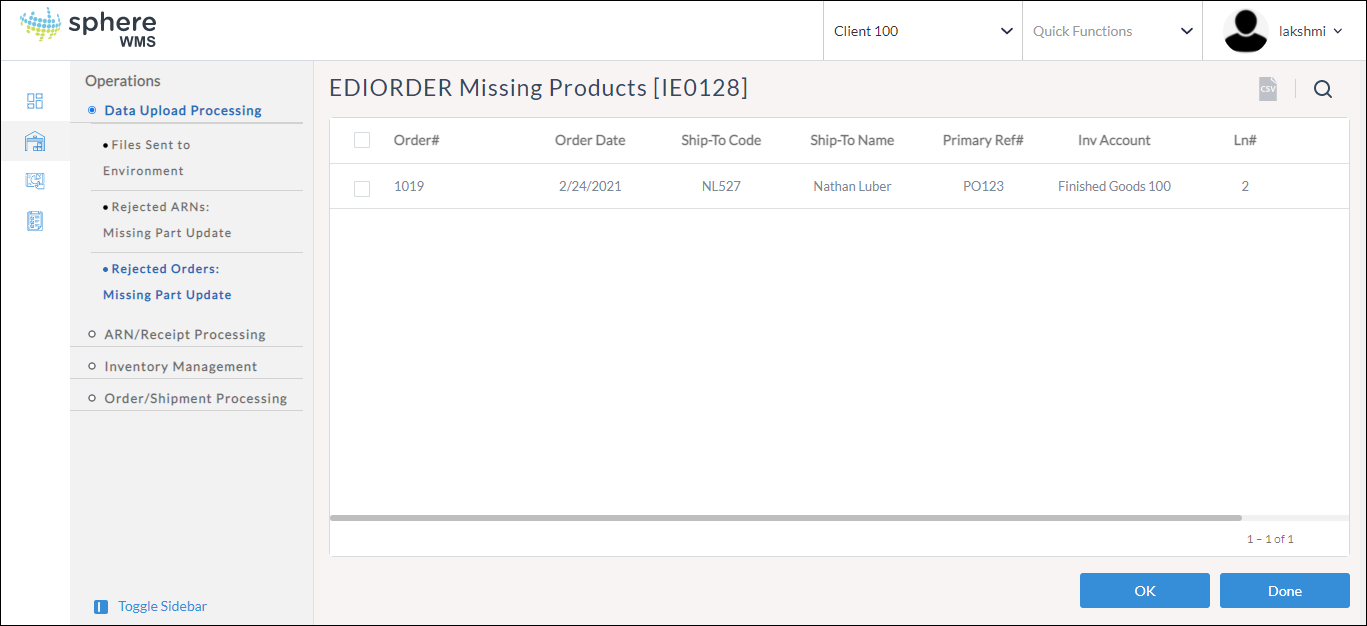
The upload rejected Orders will display.
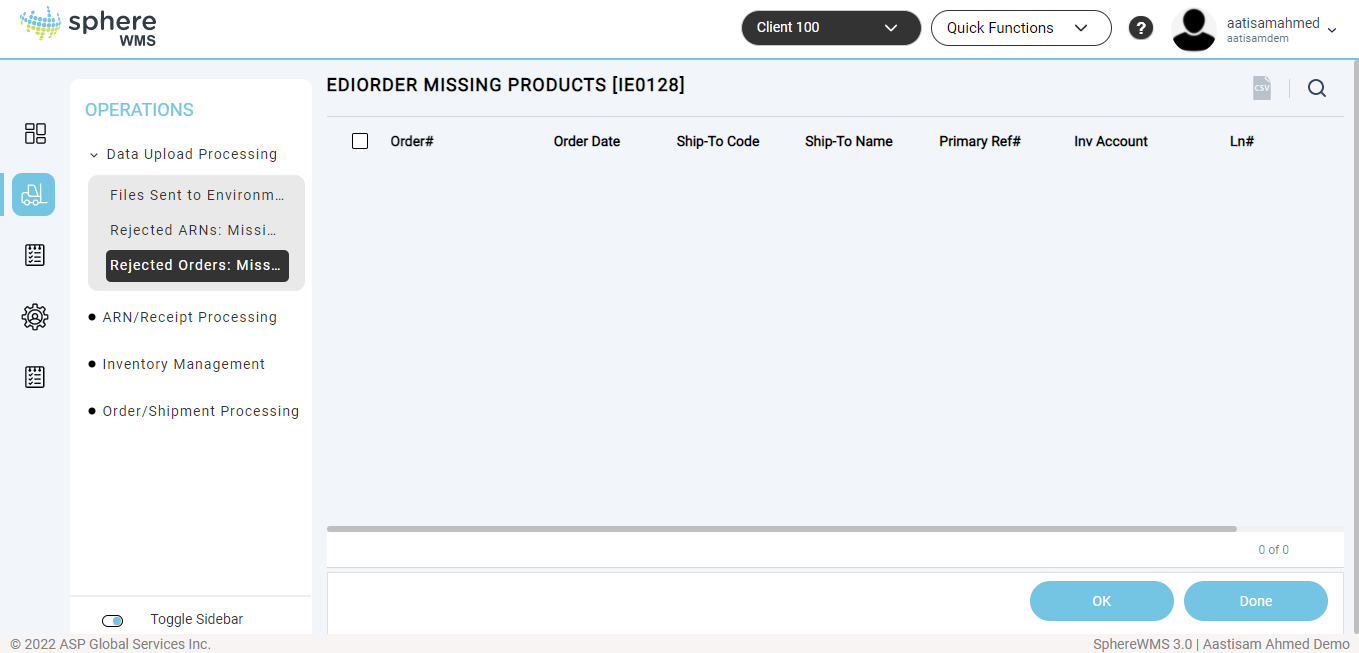
Double-click an order in the list to reprocess it. The system checks all of the line items of the rejected order. If the validations are accurate and the Product Code update was successful, the system removes the Order from the list and converts it into a true Open Order in the system.
In the event that the order is NOT removed from the list, verify that the product in question was updated in the Product Master properly. The operator will NOT receive a second email error notification.
Access the "Order/Shipment Processing Menu" and use the Open Order Inquiries to confirm the upload was successful.
Attachments:
 rejected orders.png (image/png)
 rejected order.png (image/png)
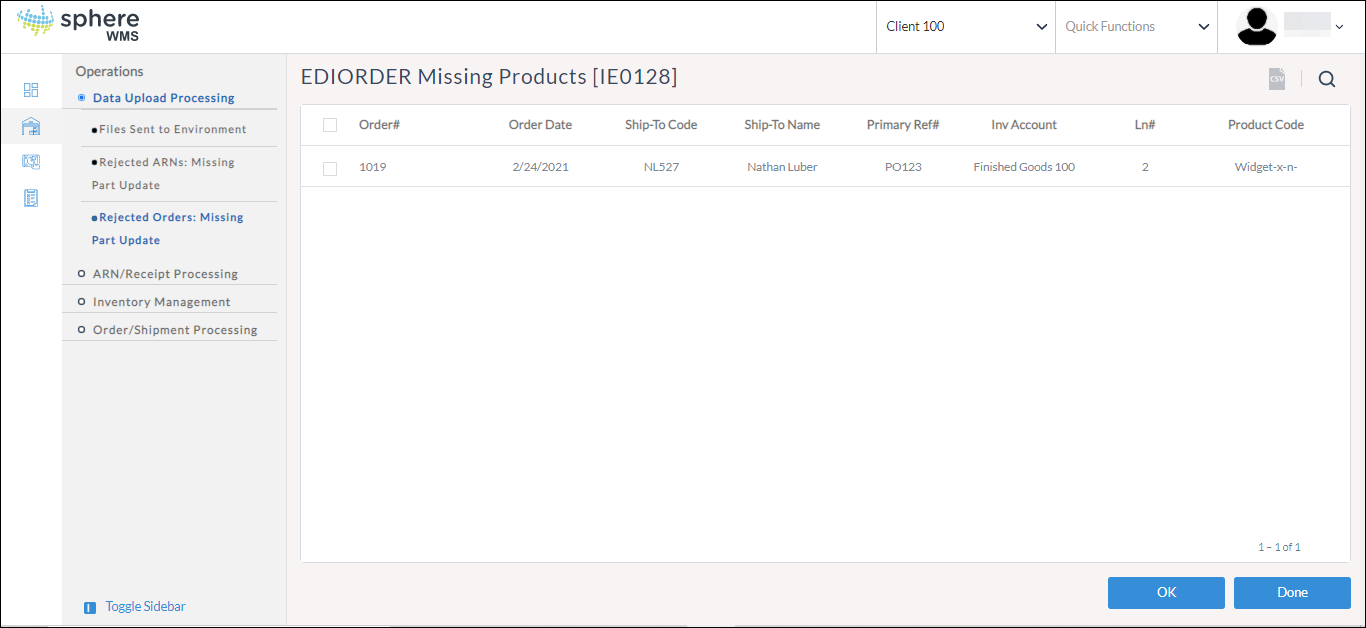 image-20220210-100954.png (image/png)
