You can print adjustment documents that are posted and not posted using this option. To print adjustment documents:
1. Navigate to Operations > Inventory Management > Inventory Adjustment > Adjustment Processing > Print Adjustment Document.
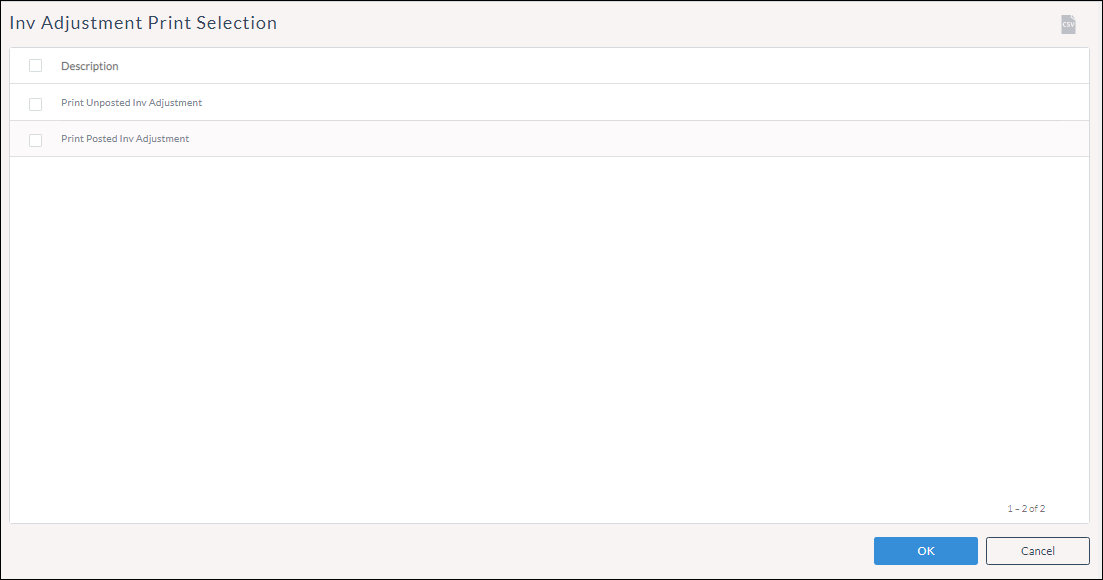
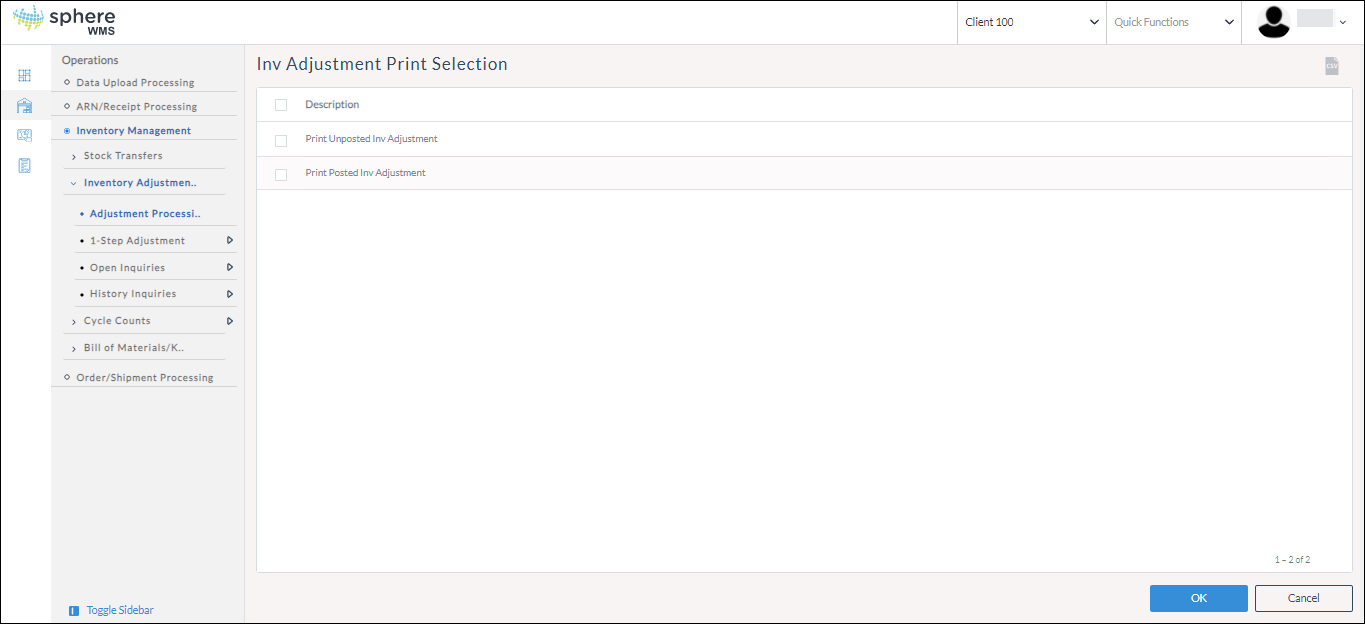
The Inv Adjustment Print Selection page will display.
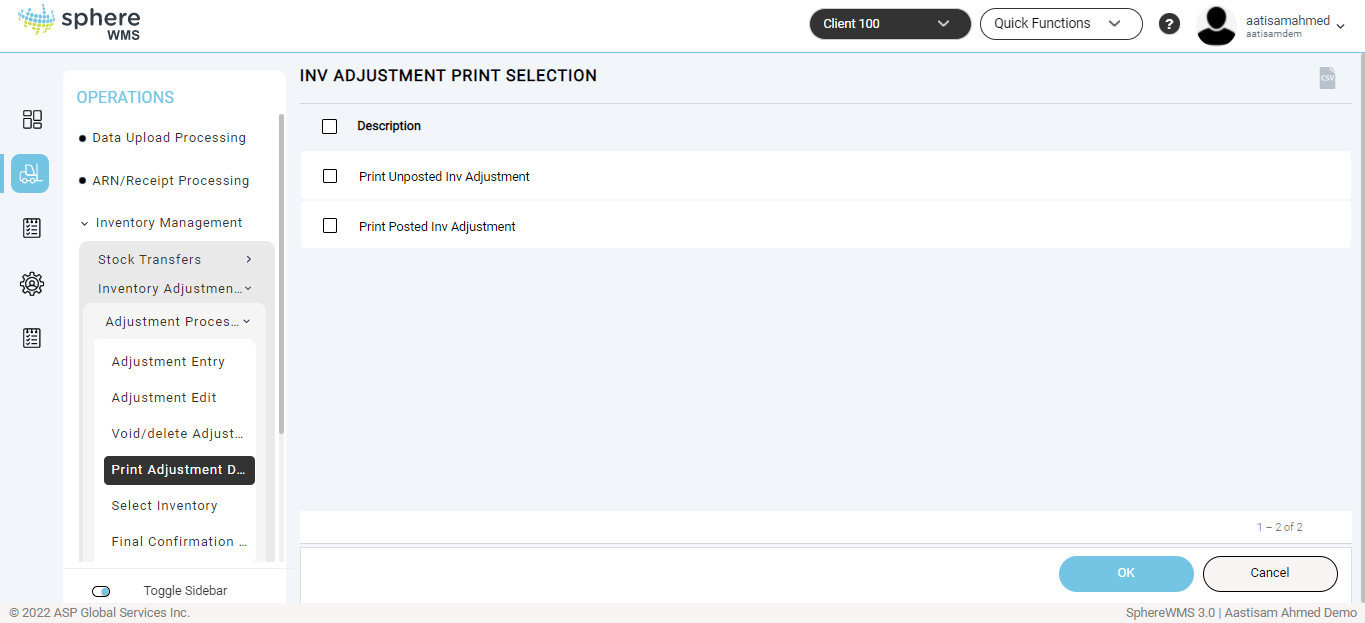
2. To print inventory adjustment documents that are posted / unposted, click Print Unposted Inv Adjustment / Print Posted Inv Adjustment and click OK.
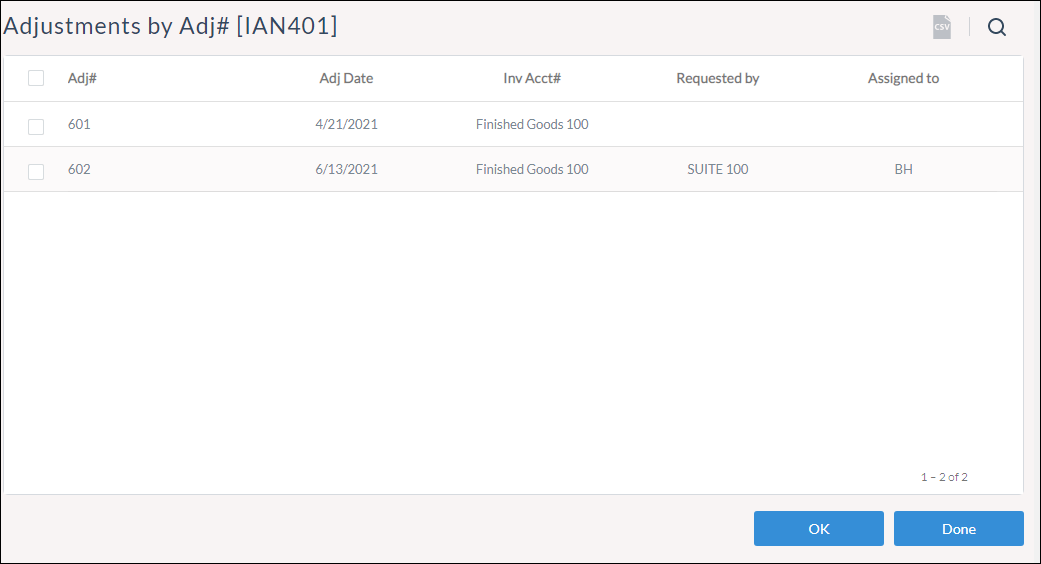
The Adjustments by Adj# page will display.
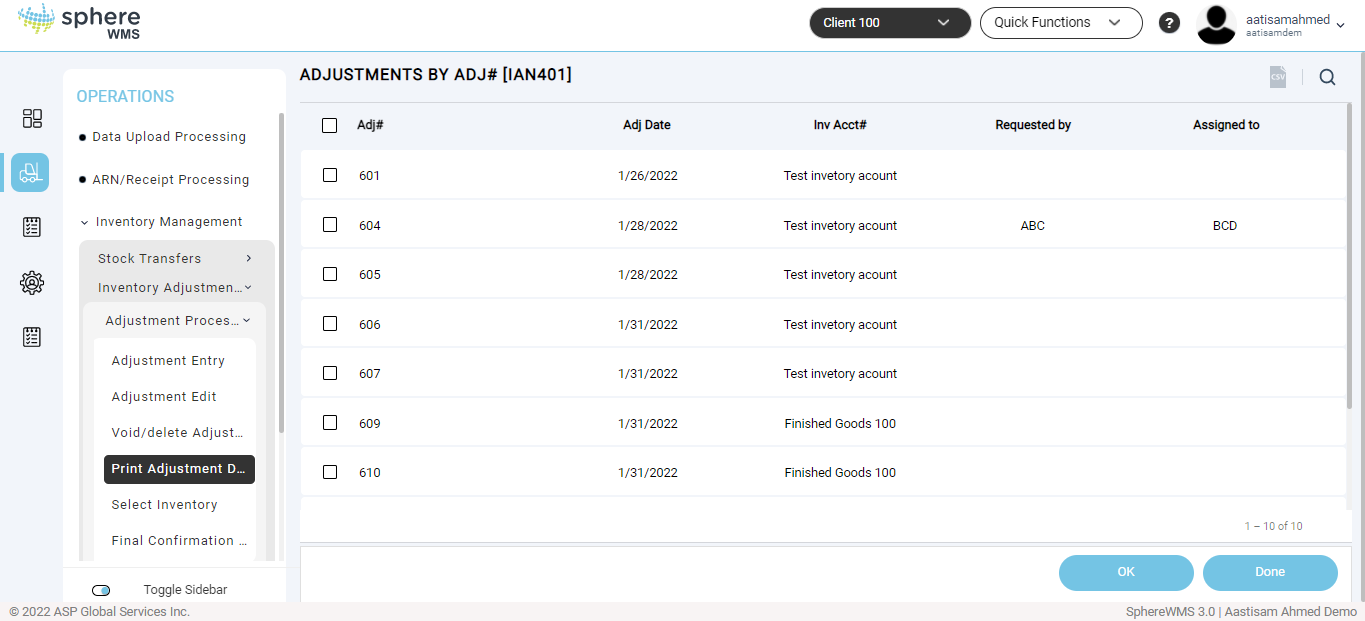
3. Click the adjustment document that you want to print and click OK.
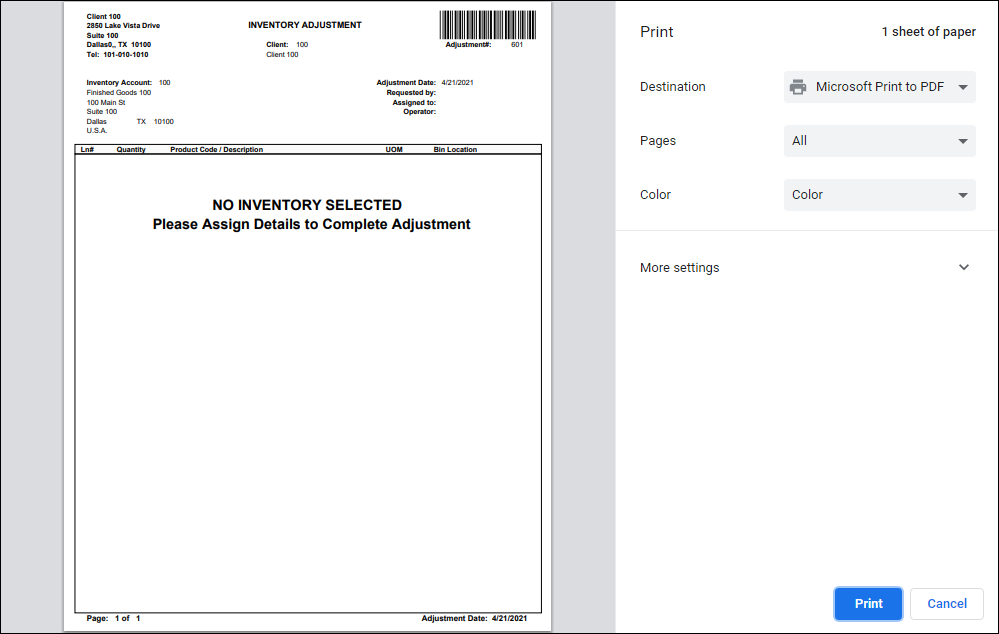
The Print dialog will display.
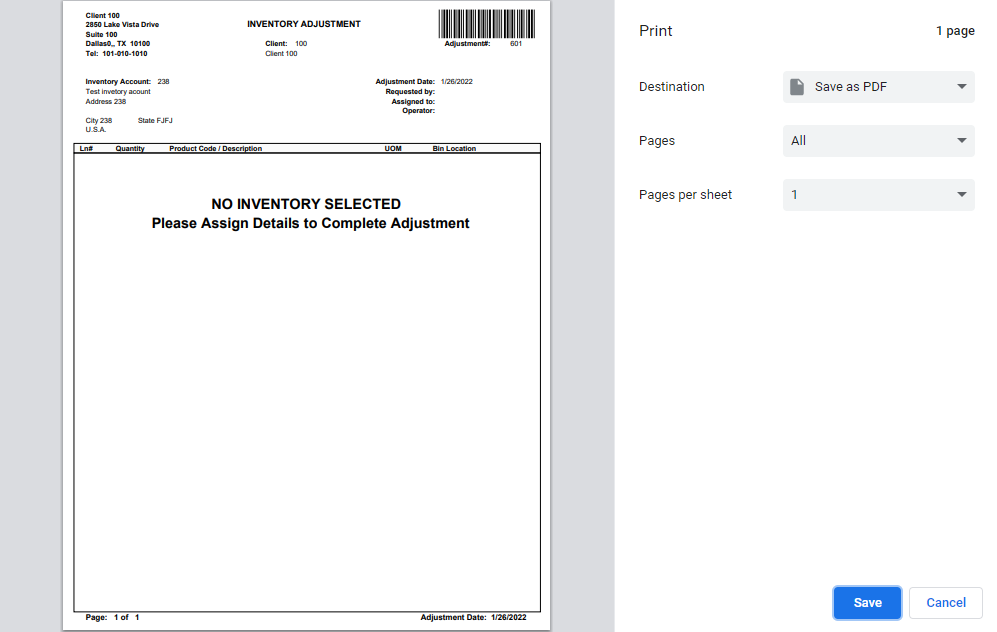
4. Enter the number of copies you want to print in the Copies field and click Print.
The specified number of copies of the unposted inventory adjustment document will be printed.
Attachments:
 inventory adj print.png (image/png)
 adj print.png (image/png)
 inventory print.png (image/png)
 print selection.png (image/png)
 adjustment by adj.png (image/png)
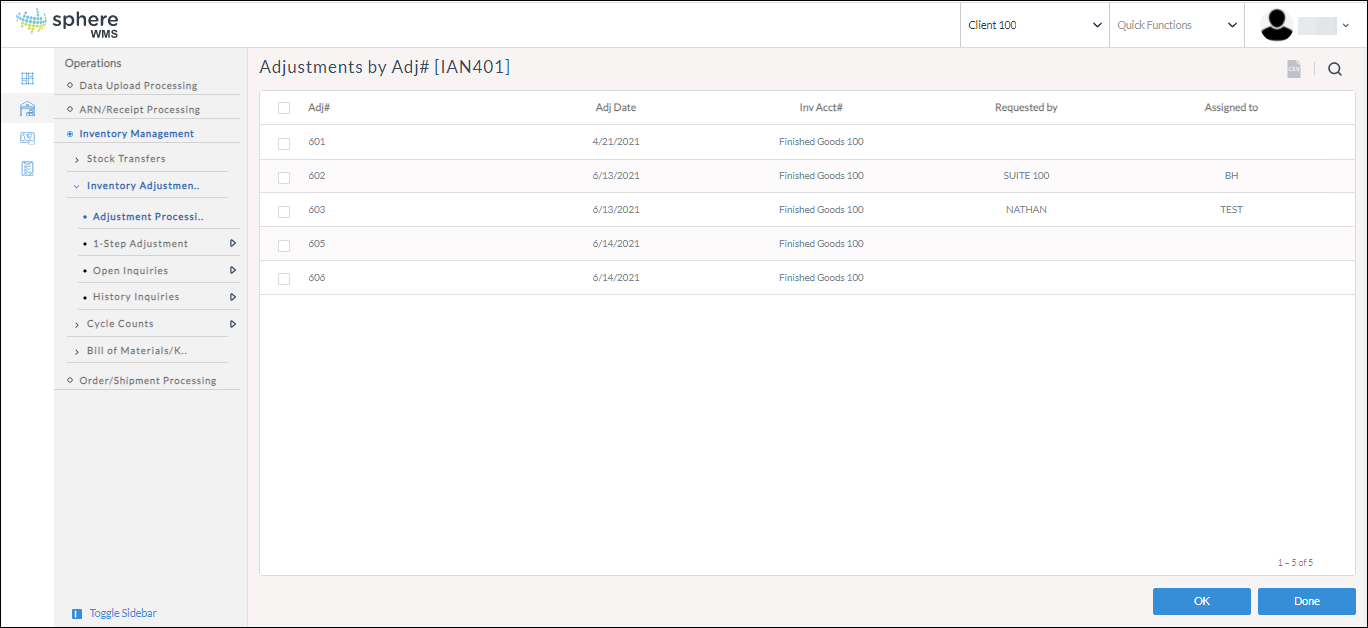 image-20220210-112638.png (image/png)
 image-20220210-112706.png (image/png)
 image-20220210-112748.png (image/png)
