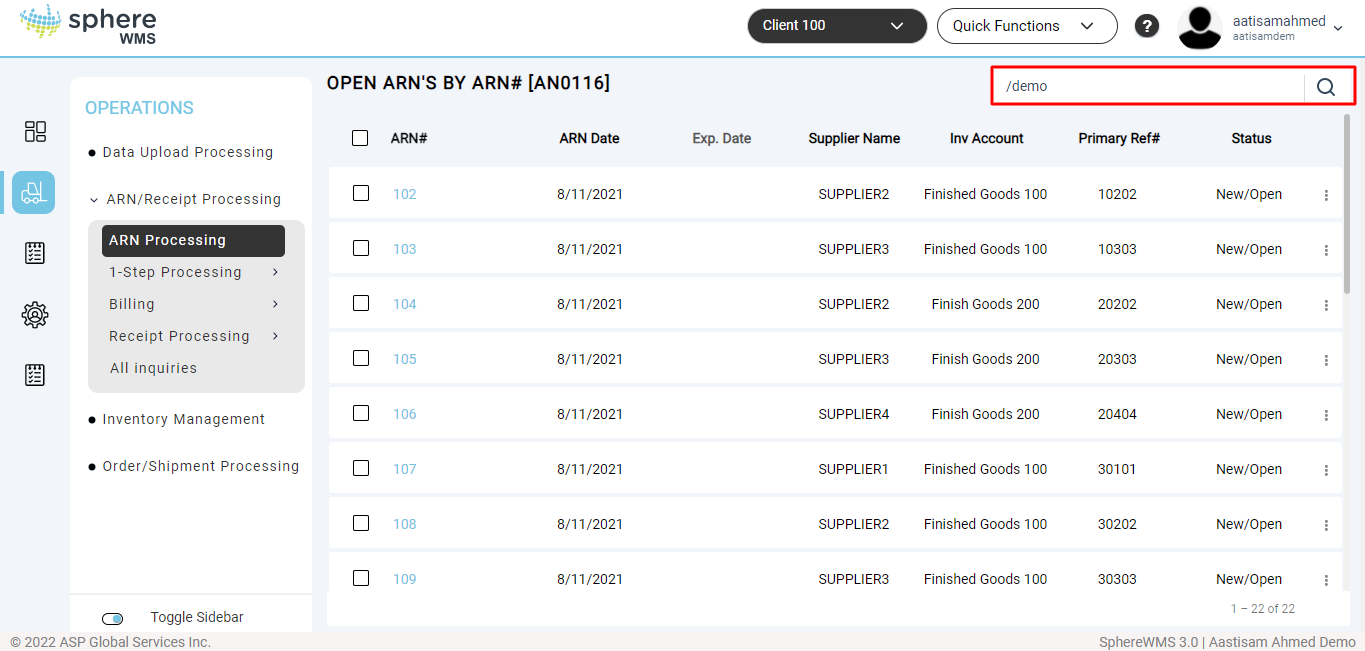
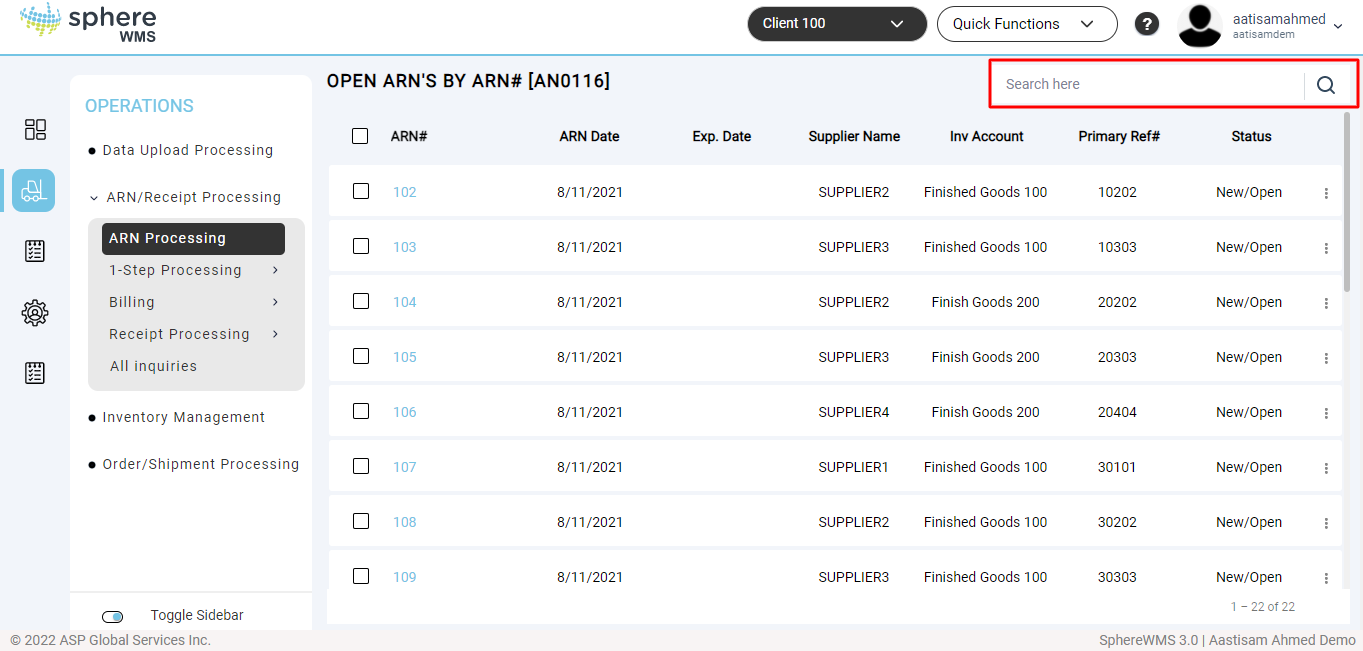
To narrow down the results of an Inquiry, a Keyword Search option may be available. Keyword Searches apply mostly to Master File Inquiries allowing a user to filter results by one or more "keywords".
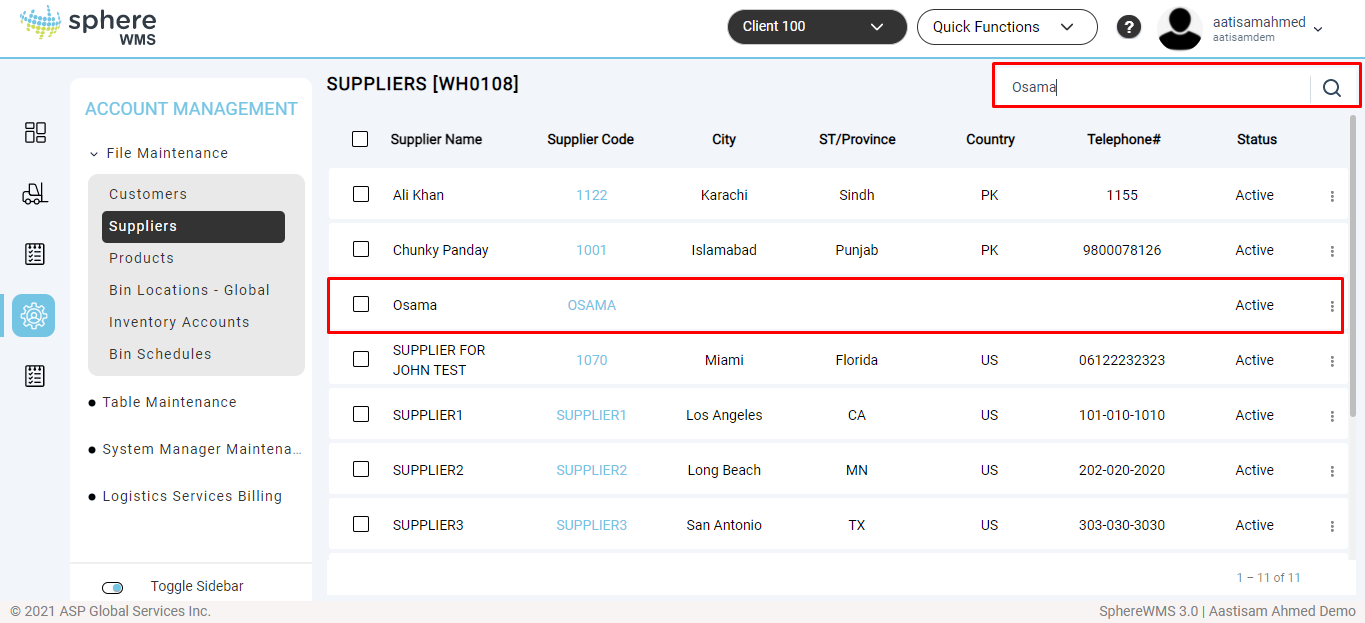
A "keyword" will vary based on the file being accessed. For example, a Product Code Inquiry allows its listing to be narrowed down by the keywords contained in the Product Description field. A Supplier Inquiry allows its listing to be narrowed down by the keywords found in the Supplier Name field. A Customer Inquiry allows its listing to be narrowed down by the keywords found in the Customer Name field.
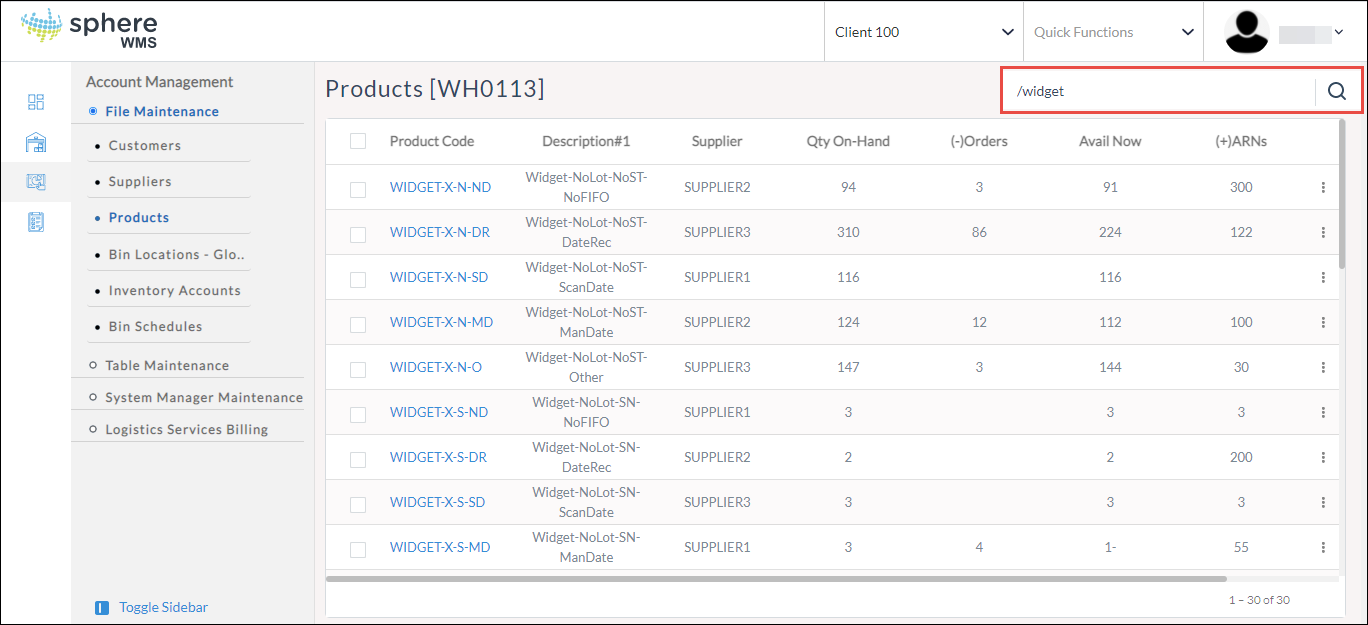
At the "Search Here" prompt of an Inquiry, type a "/" (forward-slash) followed by any keywords. For example, typing "/widget" Enter in the sample system's Product Inquiry returns the following results:
Notice that the keyword "widget" did not need to occur as the beginning of a Product Name to be included in the results.
To narrow down the results further, more than one keyword may be used if separated by commas. For example, typing "/indus,lot" Enter in the sample system returns the following results:
To start an Inquiry from the beginning again, press Spacebar, and then Enter.
Attachments:
 keyword search.png (image/png)
 keyword search for 2.png (image/png)
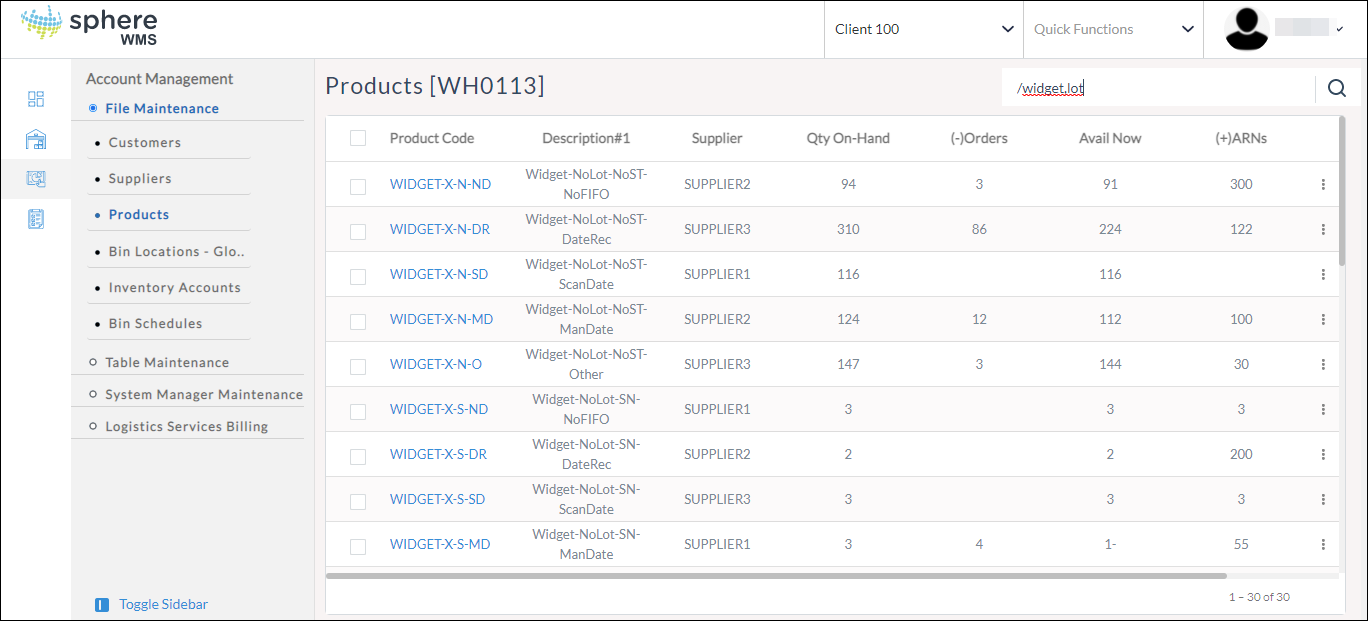 image-20220209-123335.png (image/png)
 image-20220209-123431.png (image/png)